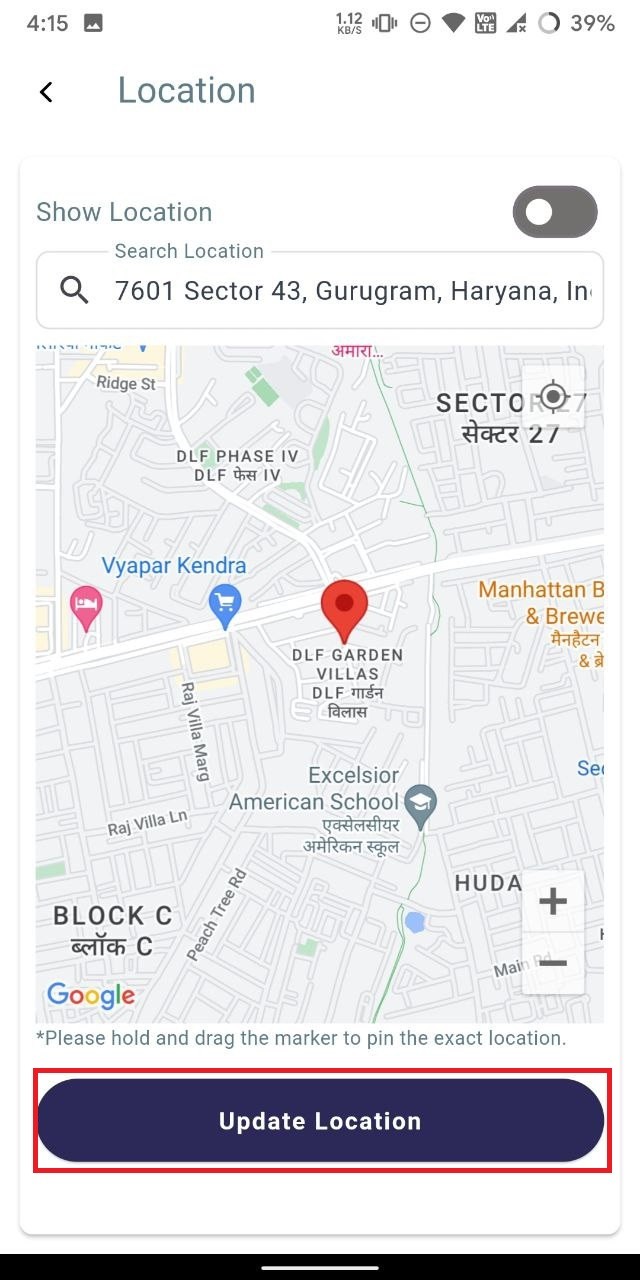
How to Update your Location?
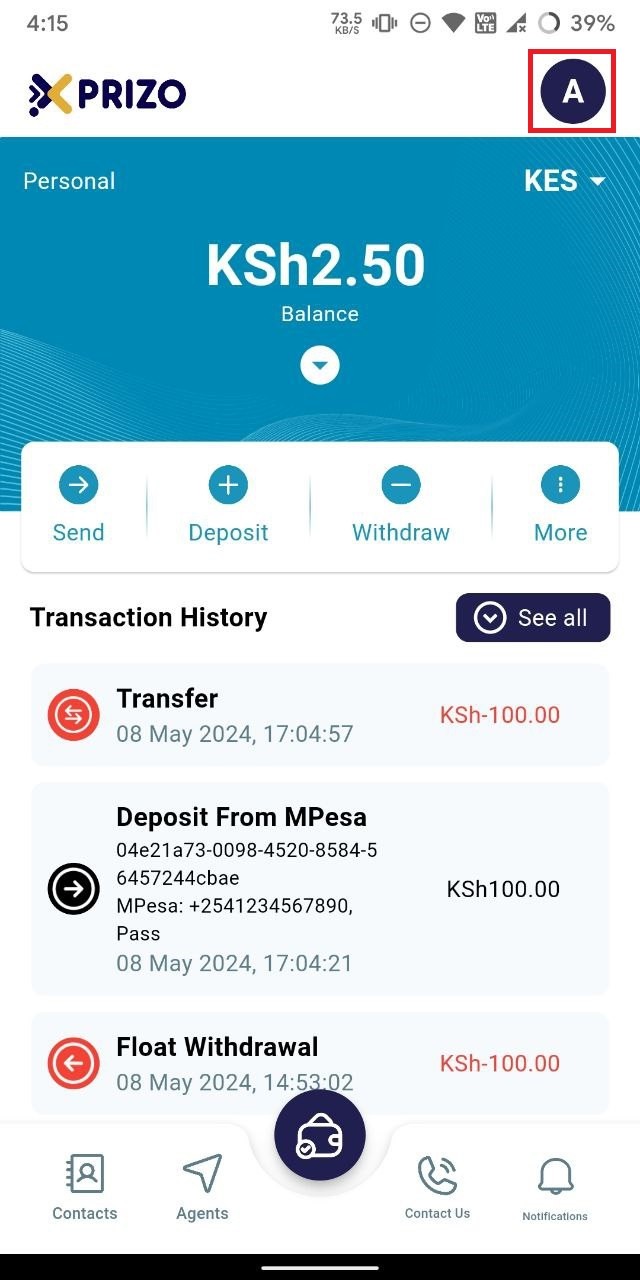
LoginLog in toyourthe app using yourcredentialscredentials,andthen click on the initialoninyourthe top right corner toswitch toaccess account settings.
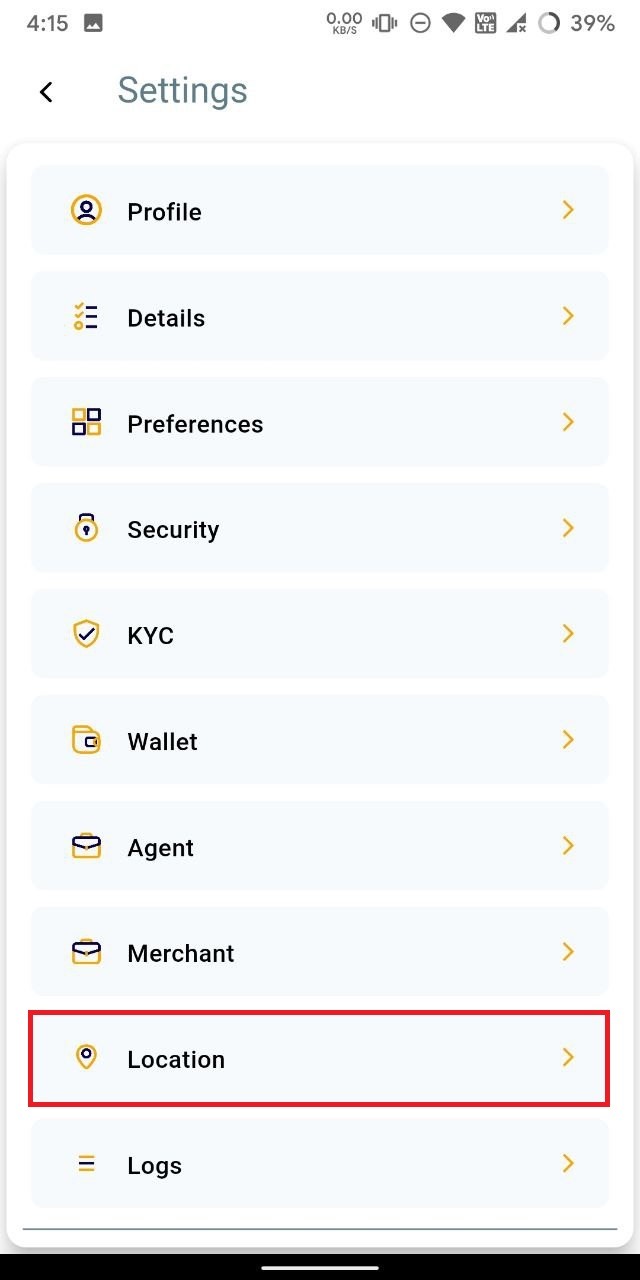
- Click on
Locationthe "Location" tab to open the location settings screen.
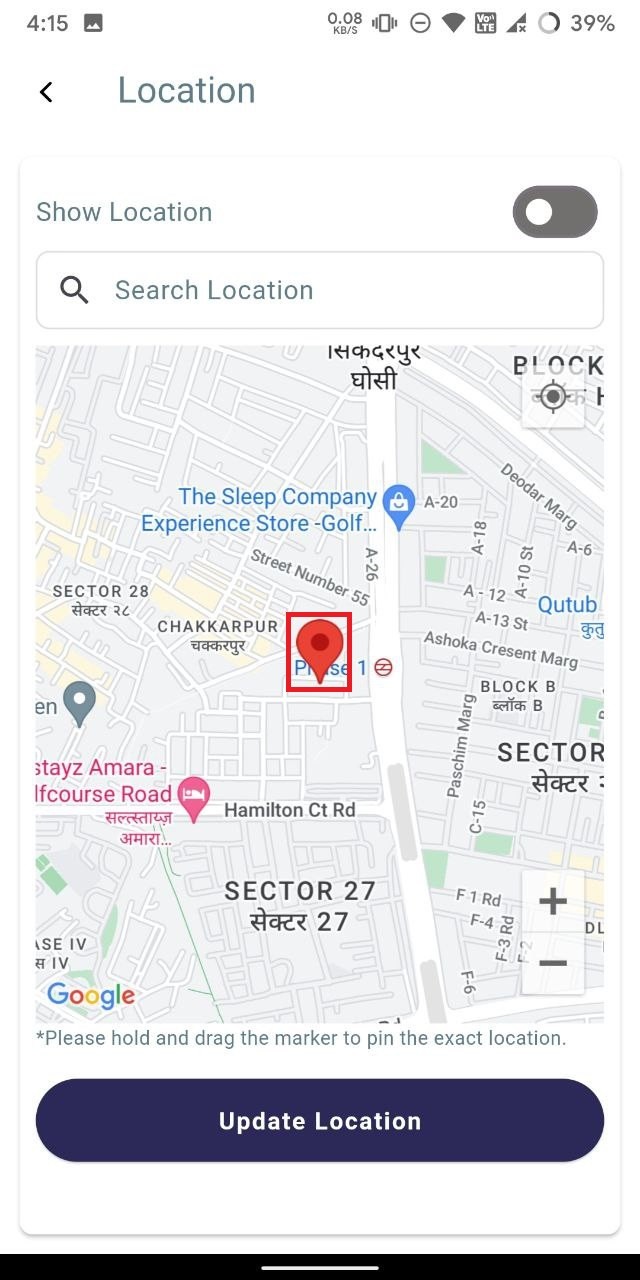
- Hold and drag the marker to pinpoint the exact location.
- Once set, click on the "Update Location" button to save the location where the marker is placed.