Skip to main content
How to Add a New Wallet?
Add a Wallet
- Switch to the wallet tab to manage added wallets, savings and adjust settings as per preferences.
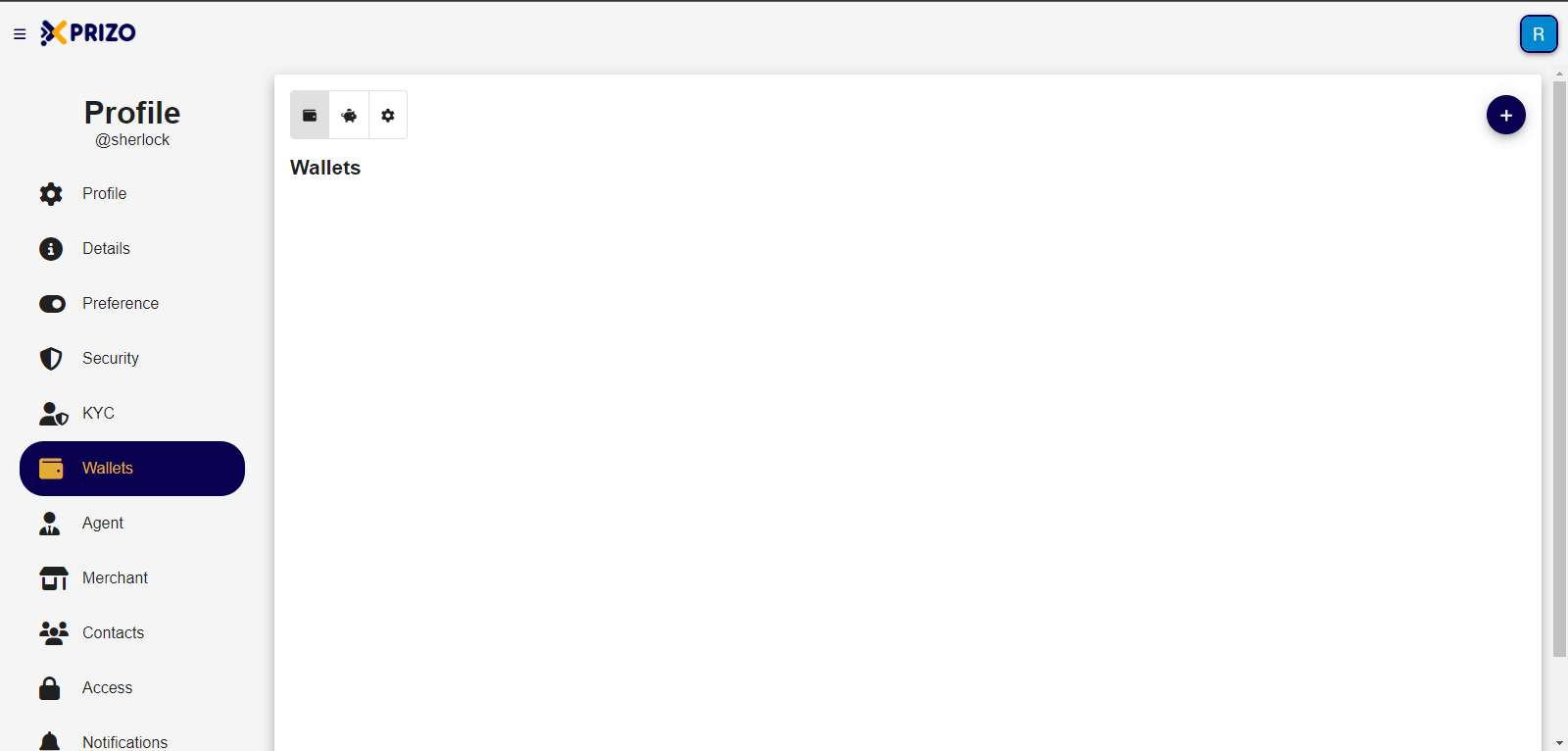
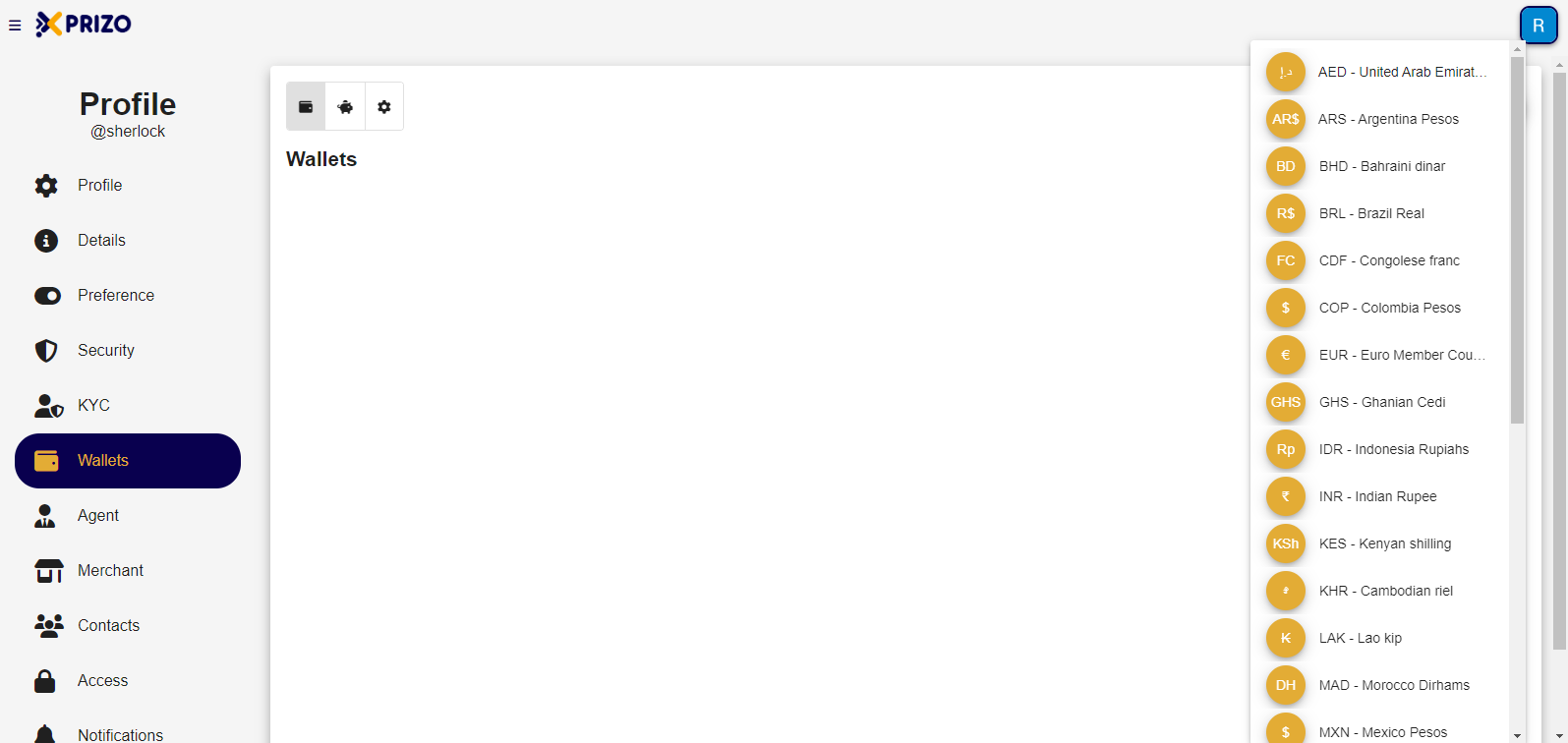
- To add a new wallet click on the
 button which will open a dropdown containing various currencies to select from and add them to the wallet.
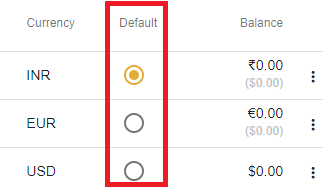
- Once the wallet has been added, click on the radio button in front of the currency to set it as default for the user.
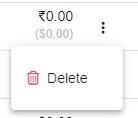
- To remove any wallet click on the ellipsis button to open the dropdown for removing the desired wallet.