
Processing Profile Creation
1. Add a Contact
- Login to your account with registered credentials, and go to the Contacts section to add a new contact to your contacts list.
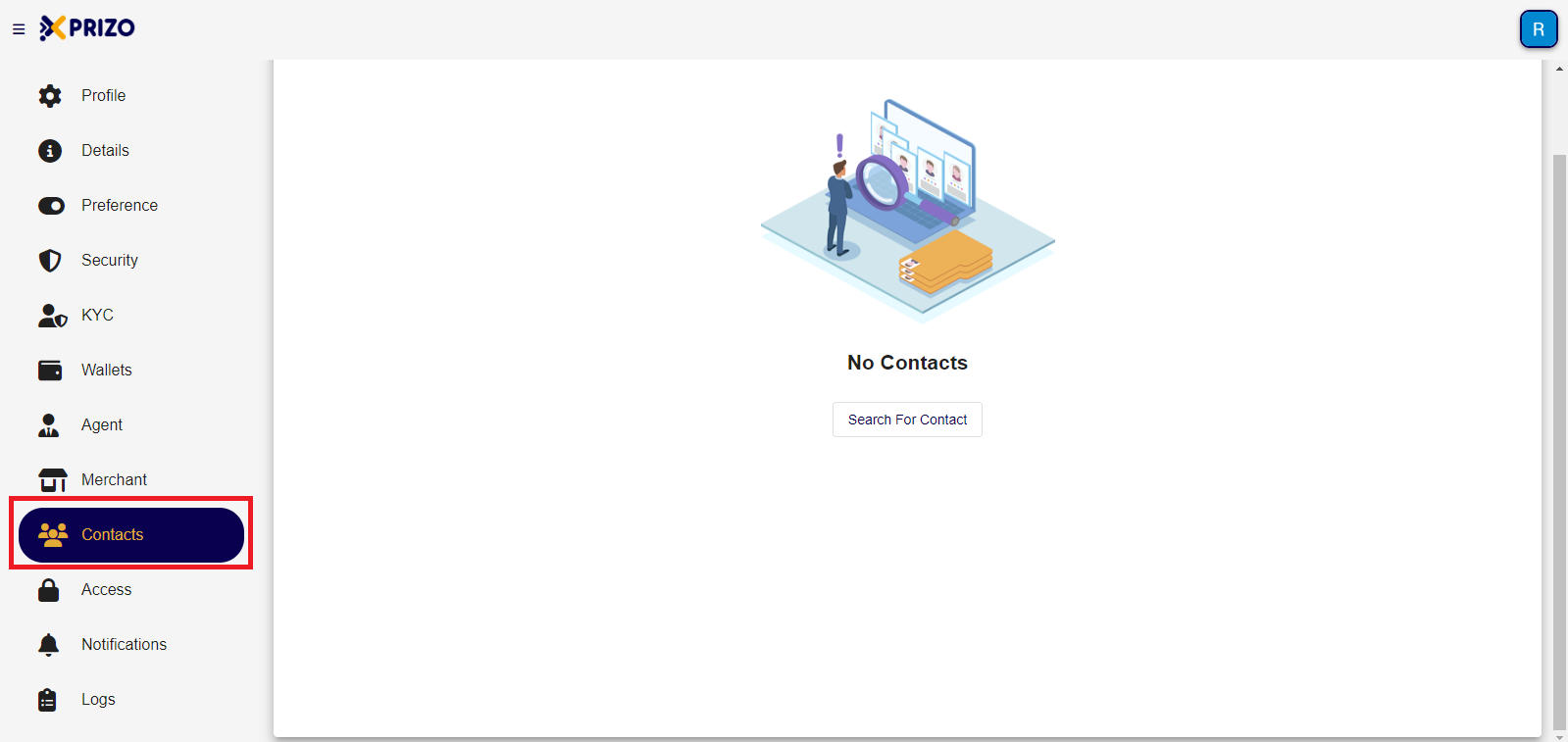
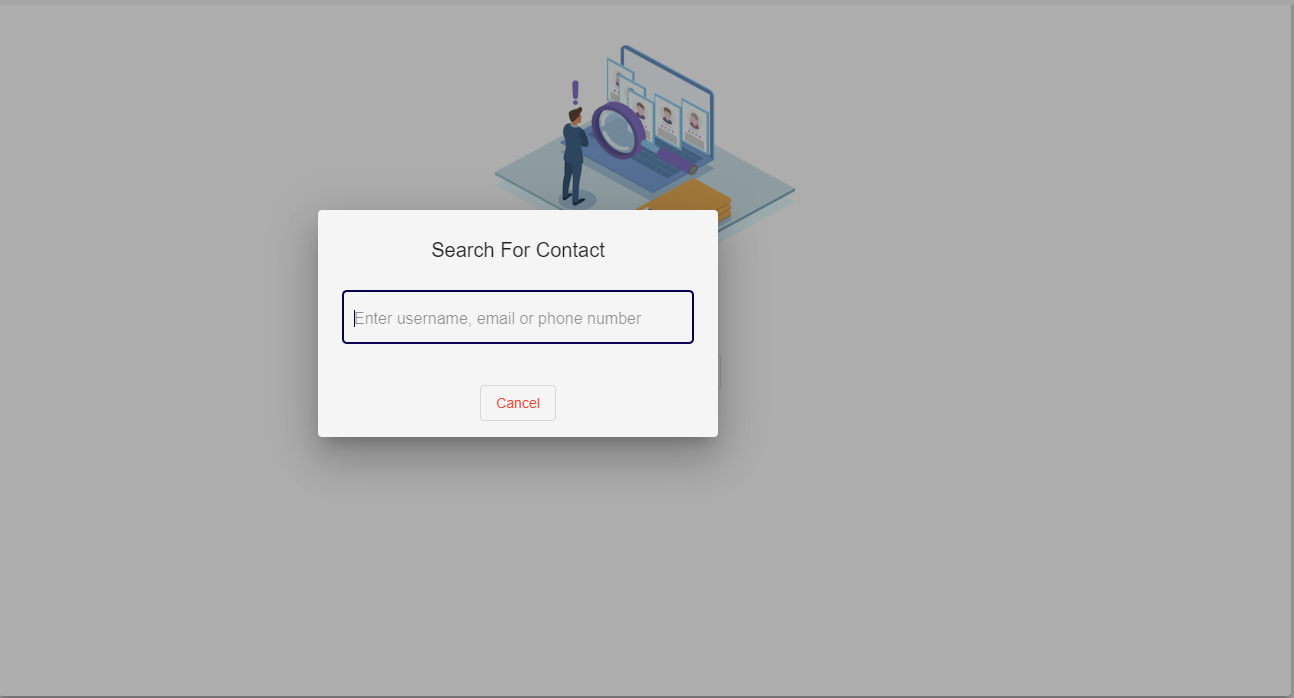
- Search for the user by using their username, email, or phone number.
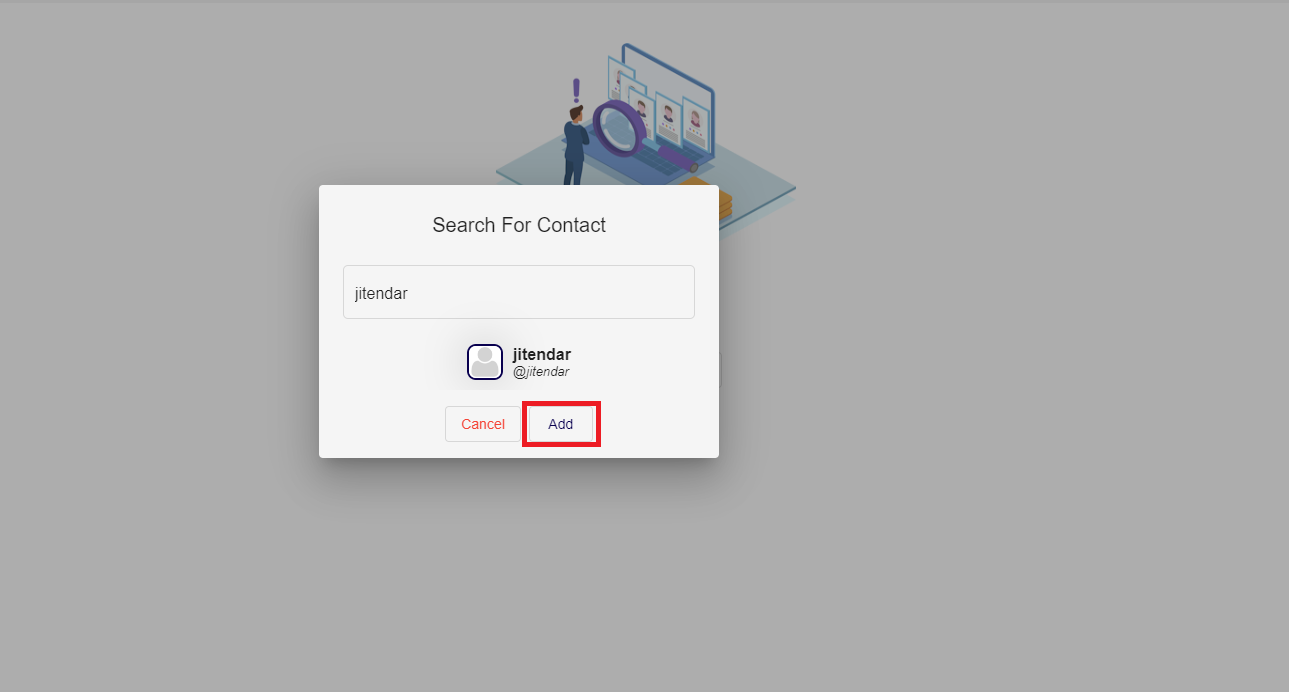
- If the user is found, click on the "Add" button to send a friend request to that user.
- Once the request is accepted that user will be added to your contact list and you can perform various tasks with them.
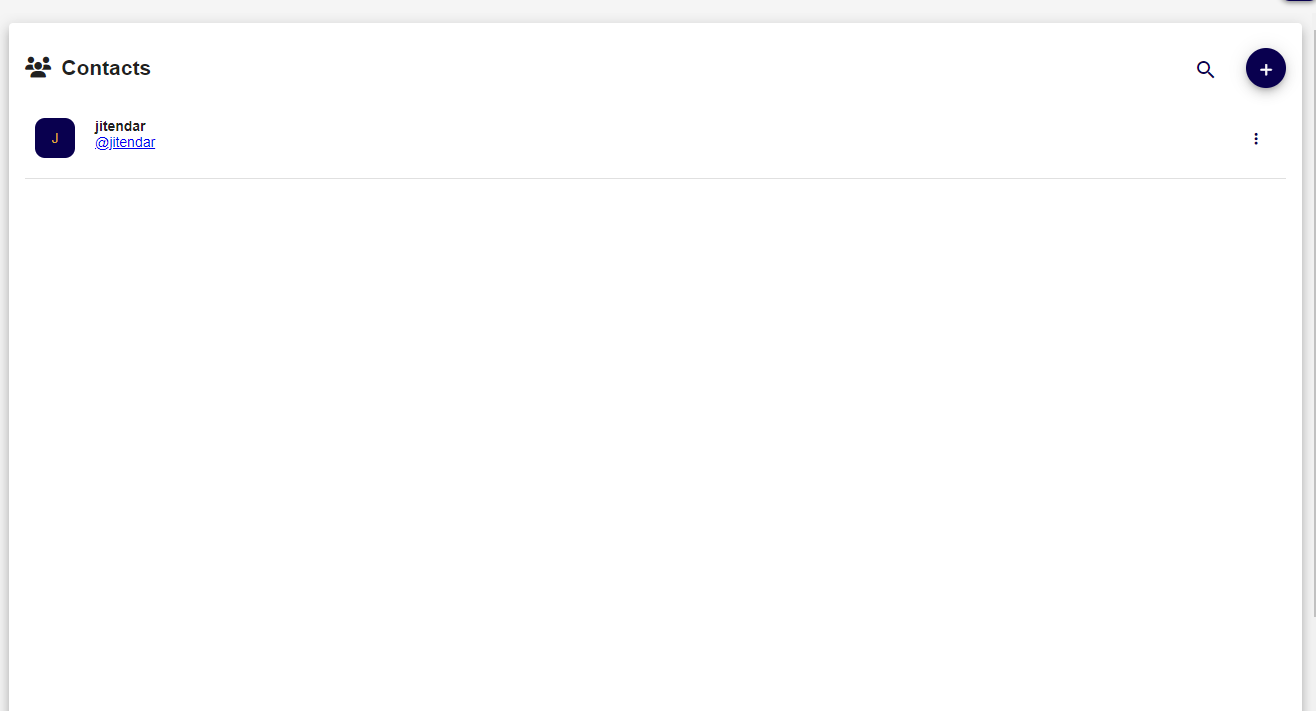
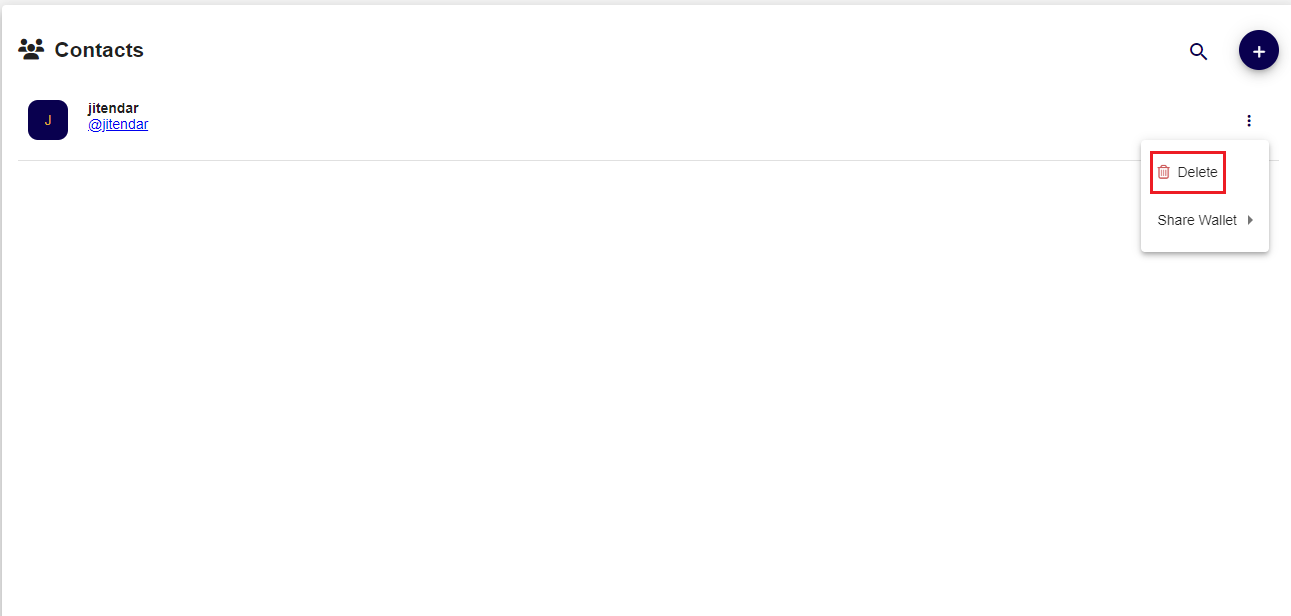
- To delete a user, simply click on the ellipsis
 button and select "delete" to remove the user from your contacts list.

2. Share my Wallet
Wallet sharing is a feature of XPRIZO that allows you the give access to your wallet (or receive access from other user wallets). This is most commonly used when integrating your wallet into other systems and you want to give someone access to view your transactions and balances.
Only the wallet owner can share and grant access, and they can revoke it at any time. To share your wallet, the person must be an active user in your contacts list.
- Go to the Contacts section and click on the ellipsis button in front of the username you wish to grant access to your wallet.
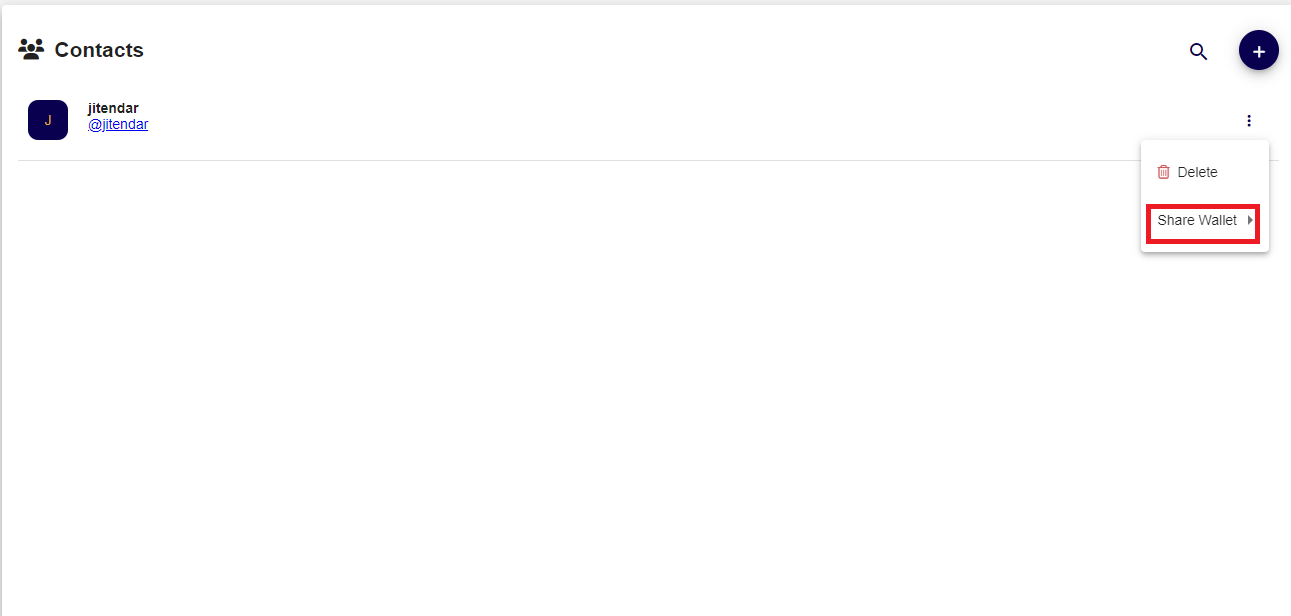
- Select the type of access you want to grant and based on your selection they will have access to your wallet.
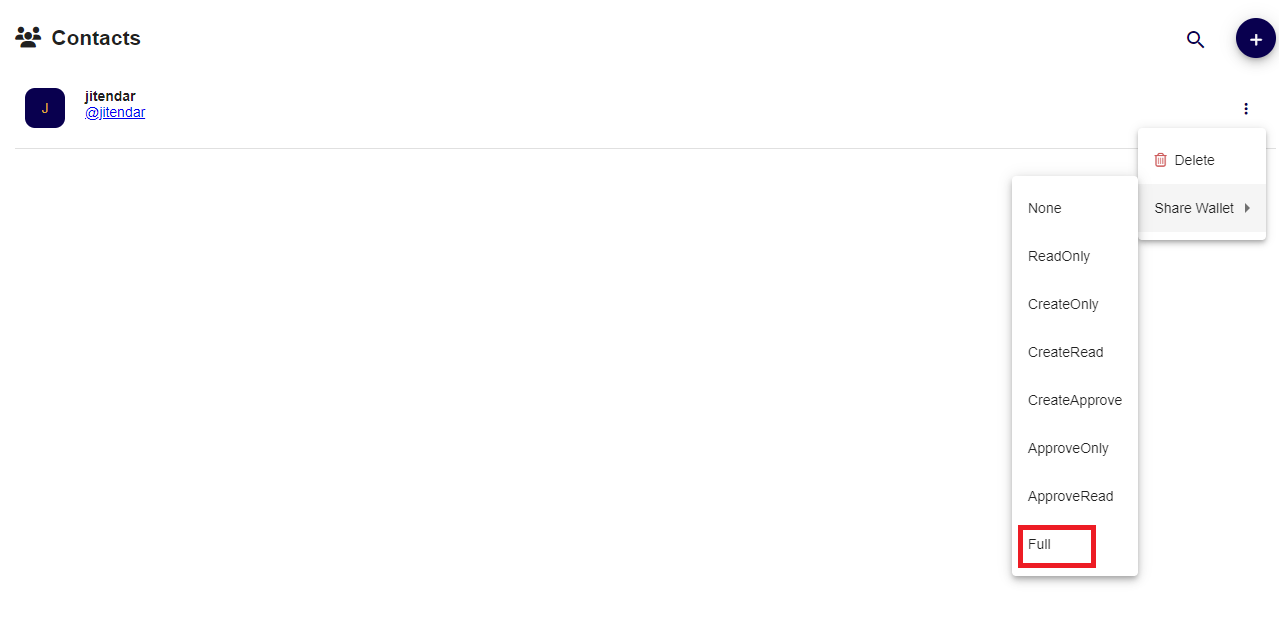
The following is the type of access you can grant:
- None - (Default) They have no access to your wallets.
- Read - They can only view your wallet balances and transactions.
- Create - They can create new transactions on your wallet.
- Approve - They can approve an existing pending transaction on your wallet.
- Full - They have full access to your wallet.