
How to set callback webhook?
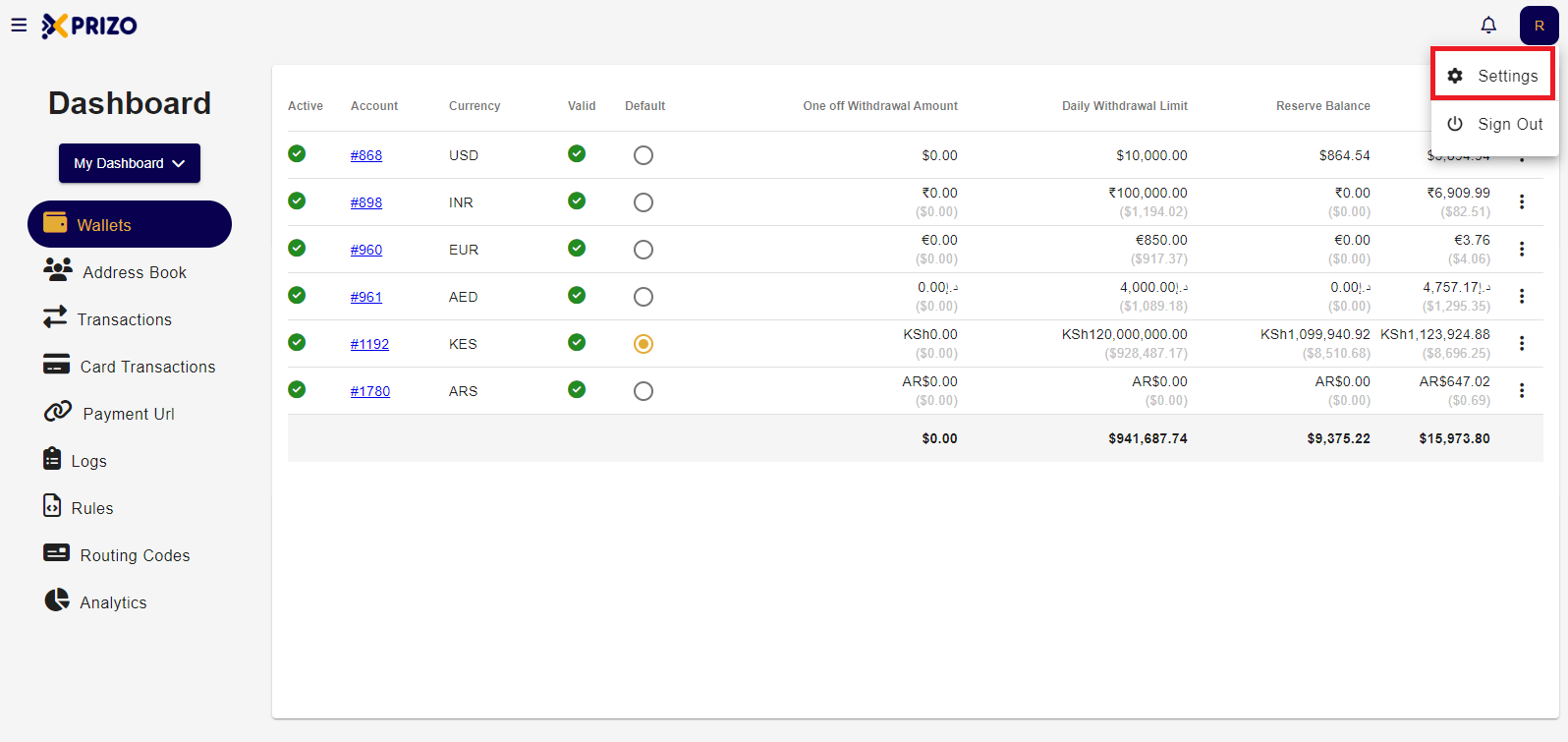
- Log in to the back office, click on your profile name in the top right corner, and select "Settings."
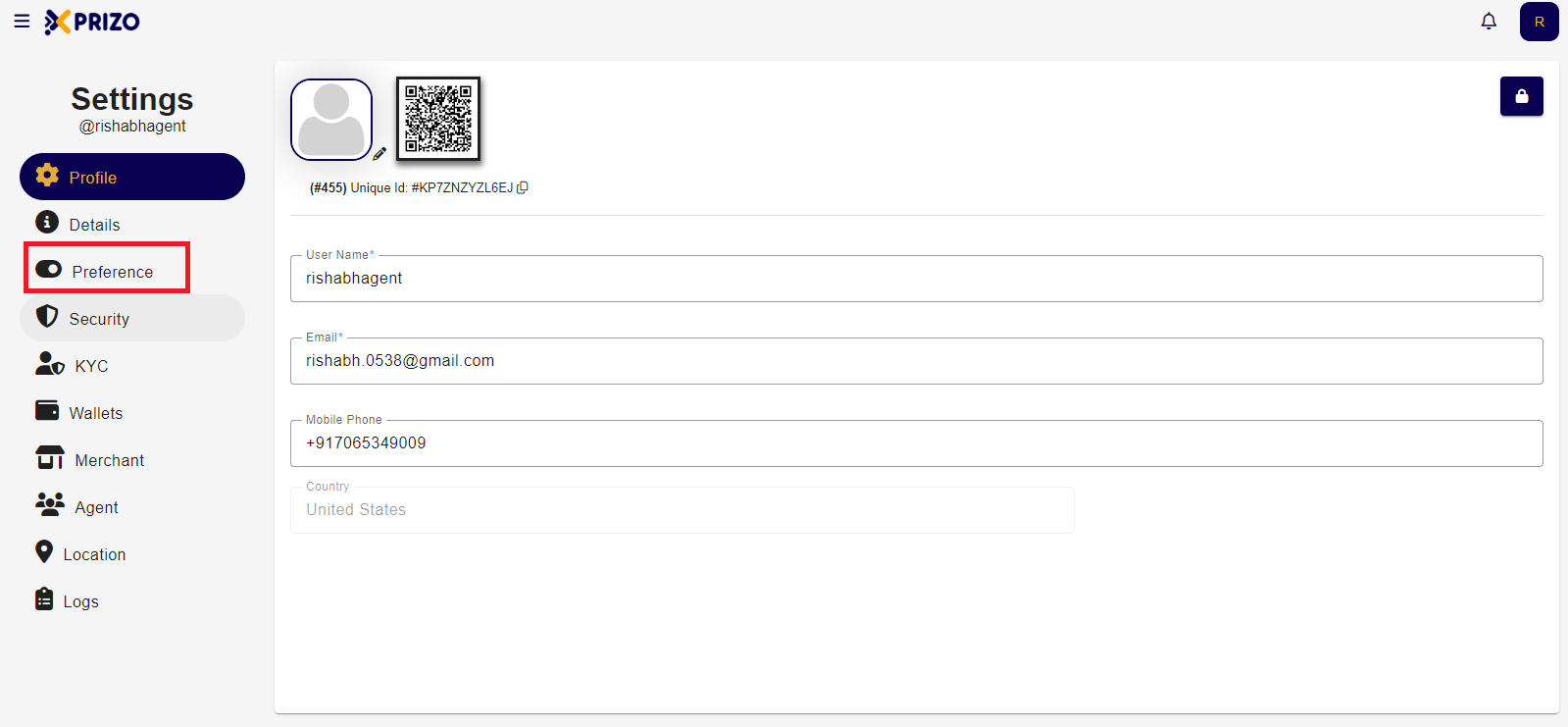
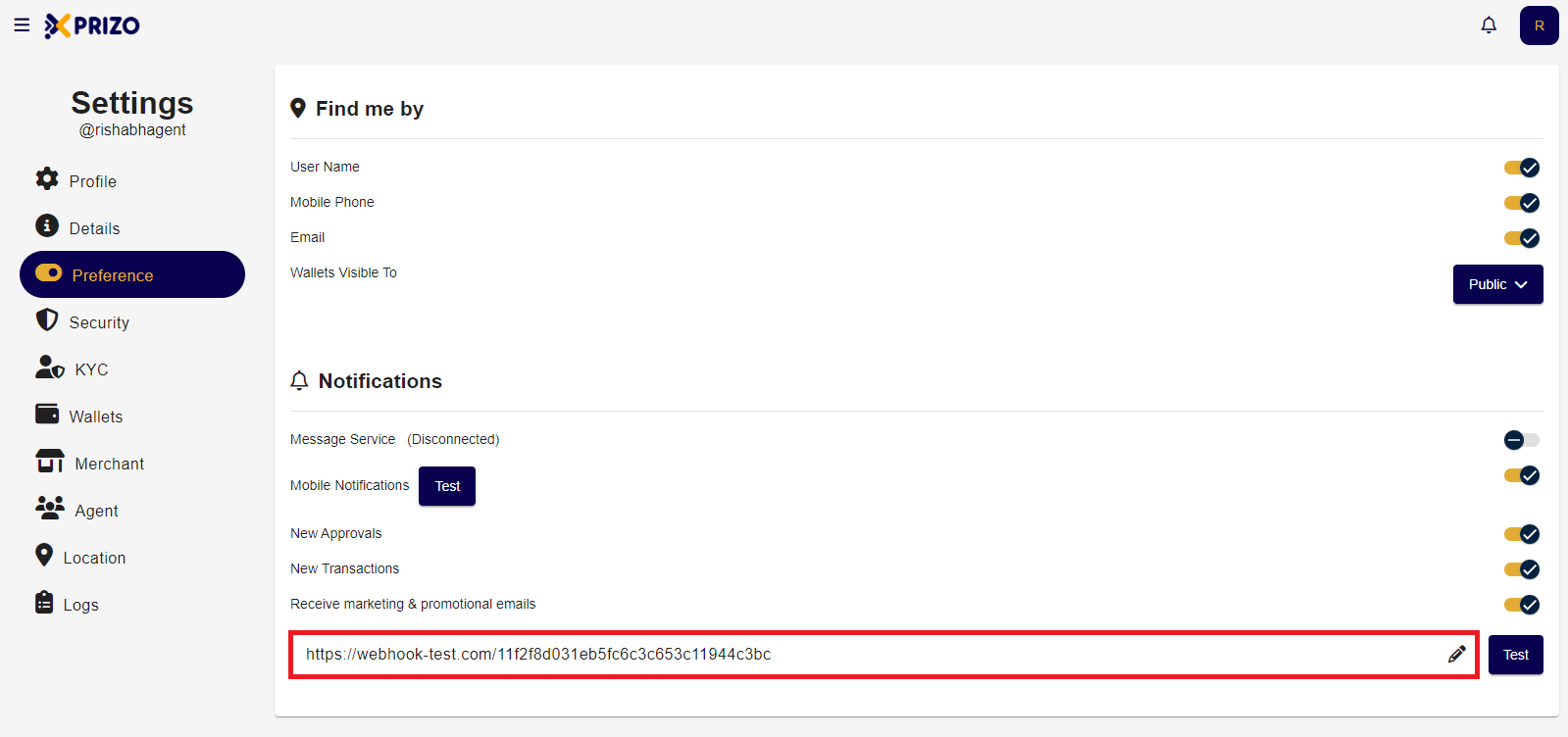
- In the Notifications section, click on the URL field to edit the webhook for notifications.
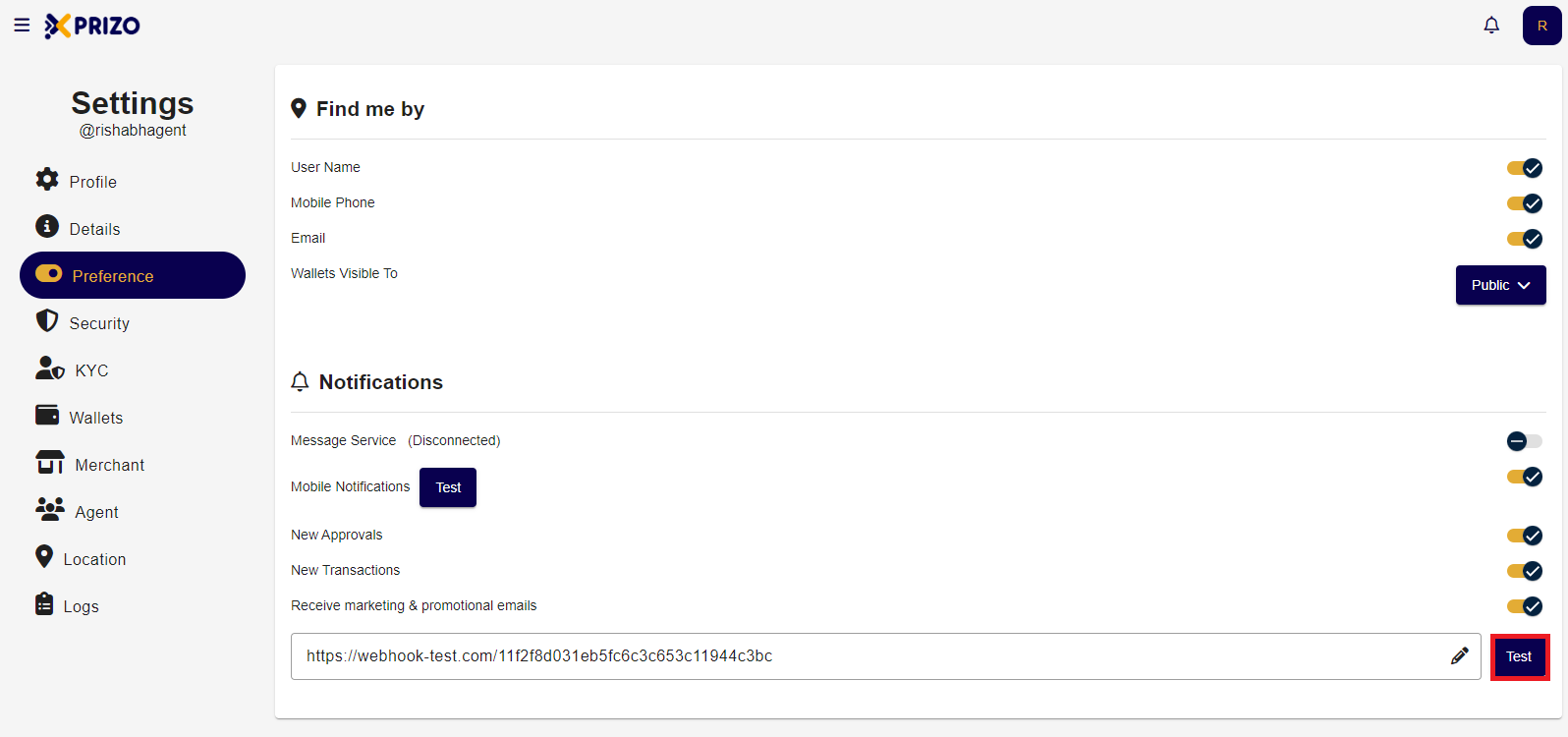
- After entering the webhook URL, click the "Test" button next to it to verify the URL.
- Upon clicking the test button, you will be able to see the following results.
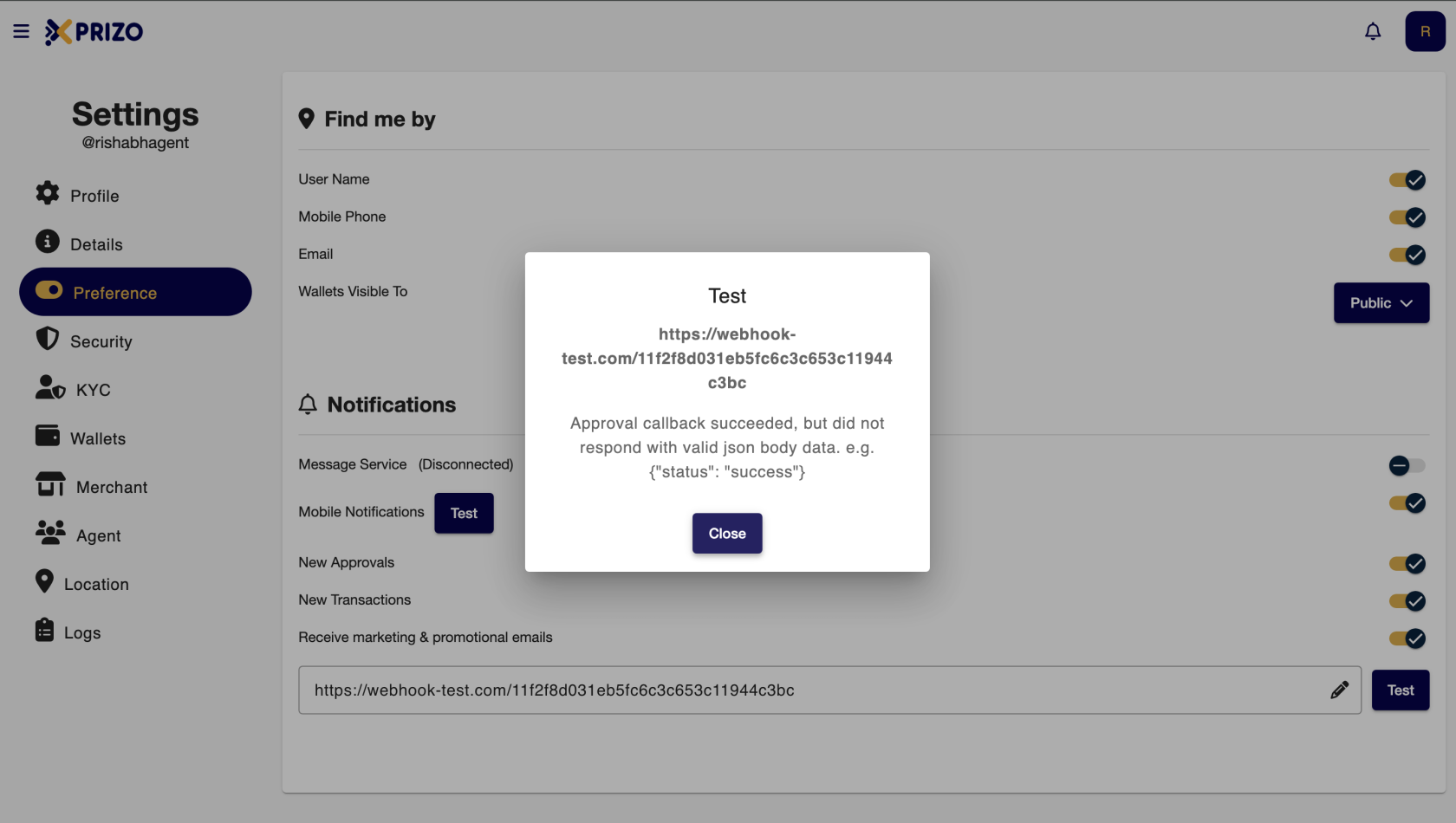
To see the response for the above webhook click below.