
How to become a Merchant?
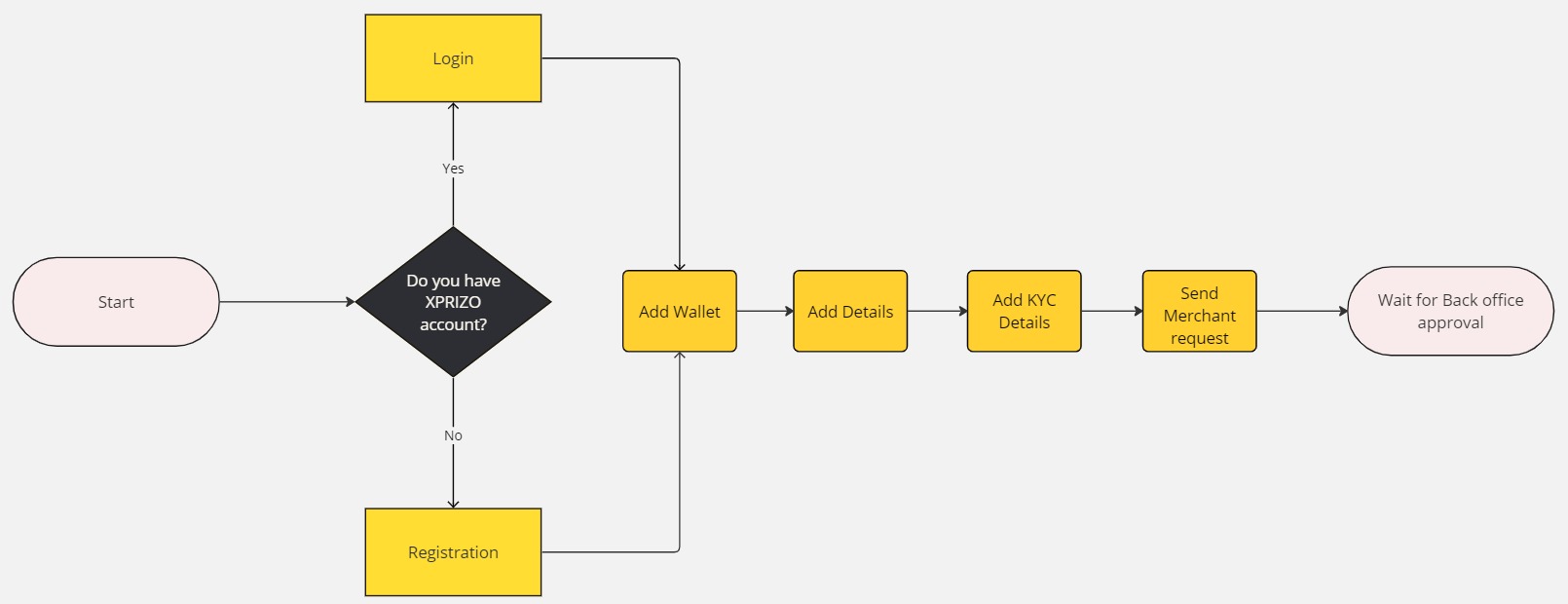
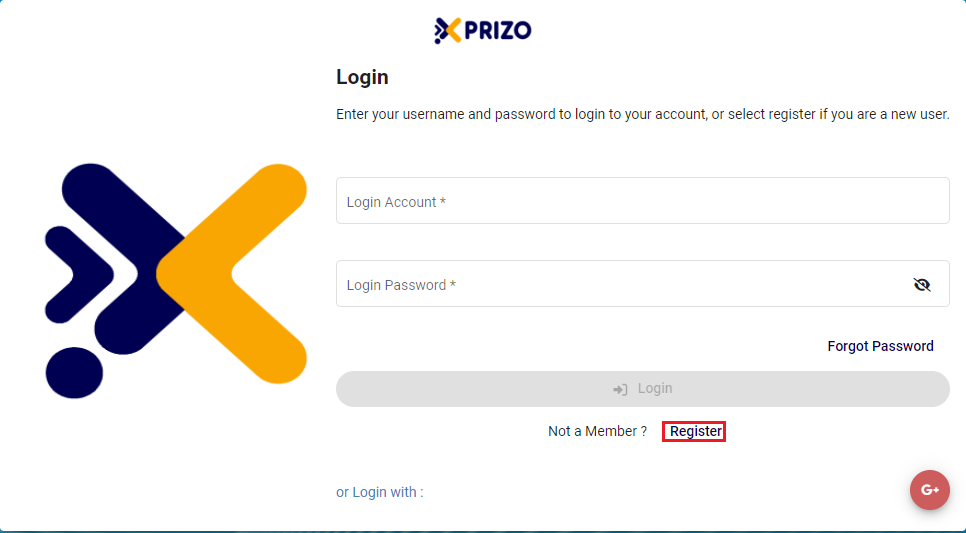
1. Login/Registration
- To initiate the creation of a new account, please click here and follow the provided steps.
2. Add Wallet
-
Follow the outlined steps here to add a new wallet as per the requirement.
3. Add User Details
-
To be able to send a merchant request to the back office, you will first need to complete user details for your profile. There you will need to complete your full name and address details. For a step-by-step guide, please click on the link below to learn how to add user details.
4. Add KYC Details
-
To initiate the KYC process, follow the provided steps here to complete the necessary procedures for KYC verification.
5. Send Merchant Request
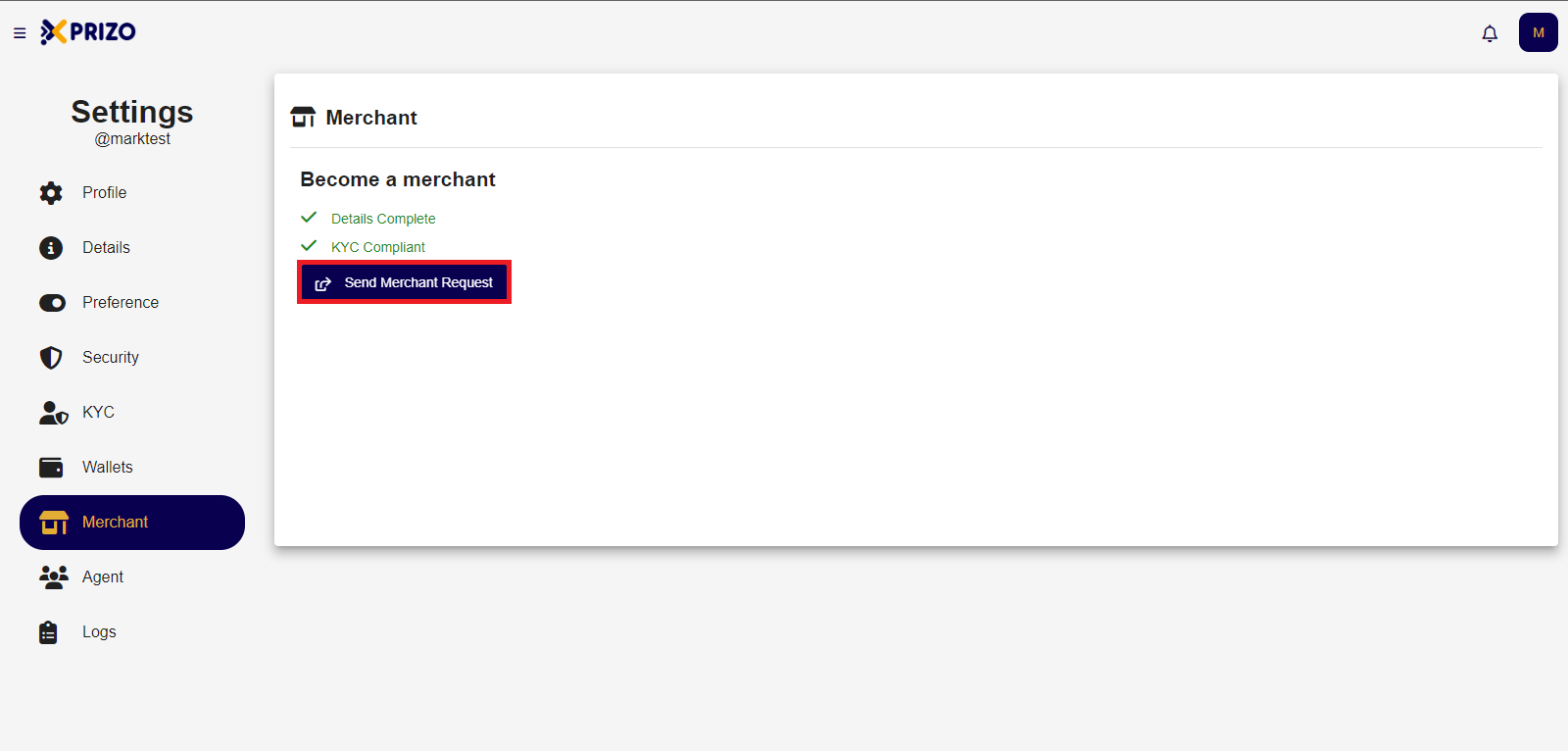
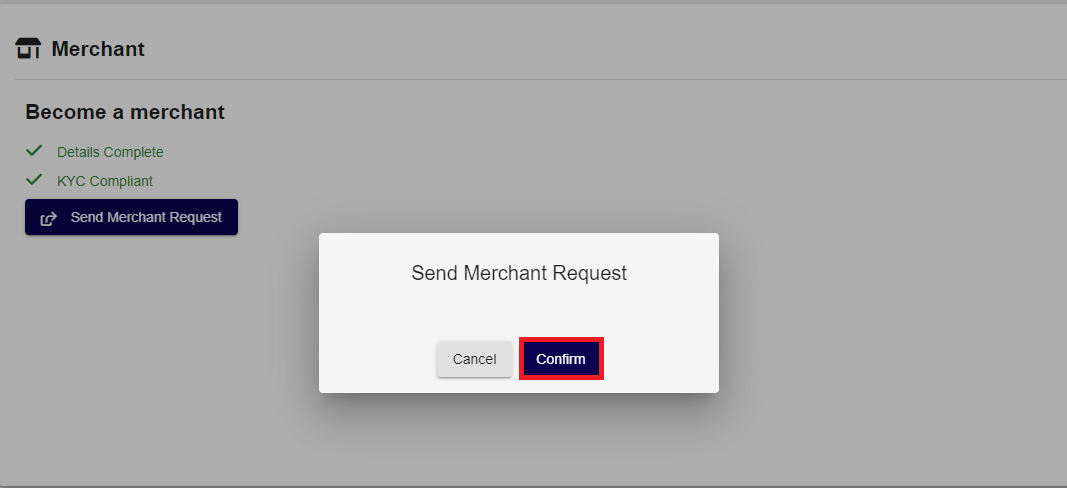
- Click on the "Confirm" button to send the request.
-
After sending the request, the user must wait for approval from the back office. Upon approval, the user will become a Merchant.