How to Add a New Wallet?
-
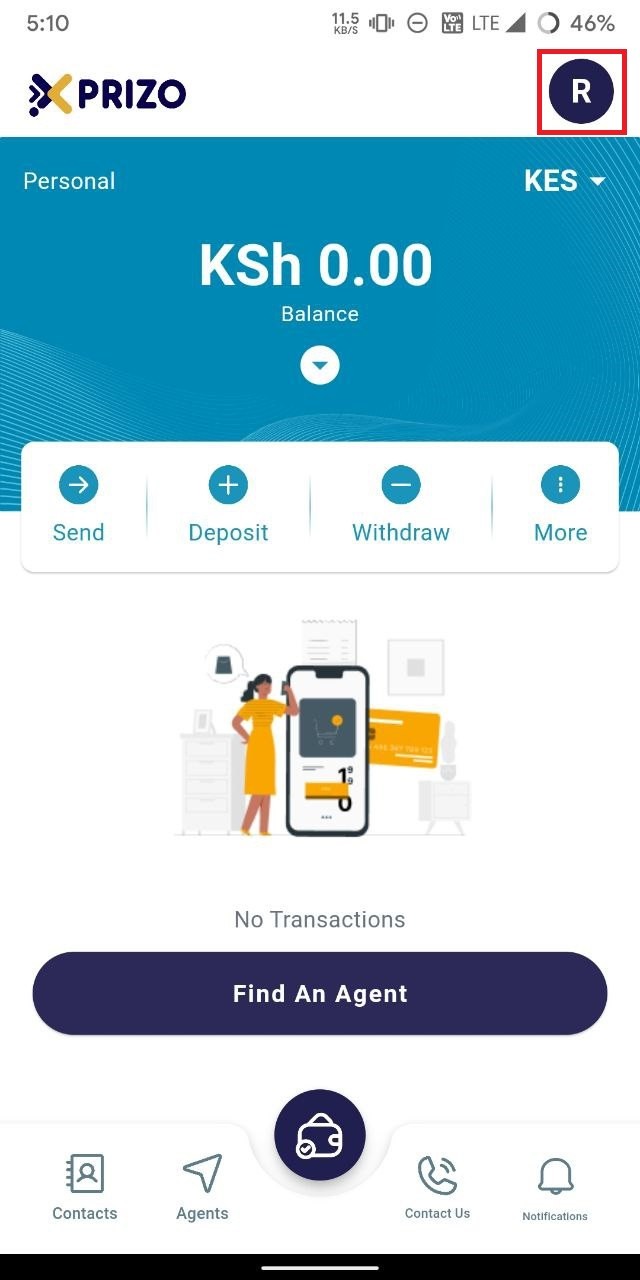
To add a new
walletwallet, click on the profile icononlocated in the top right corner tohead to account settings ofaccess the user'sprofile.account settings.
-
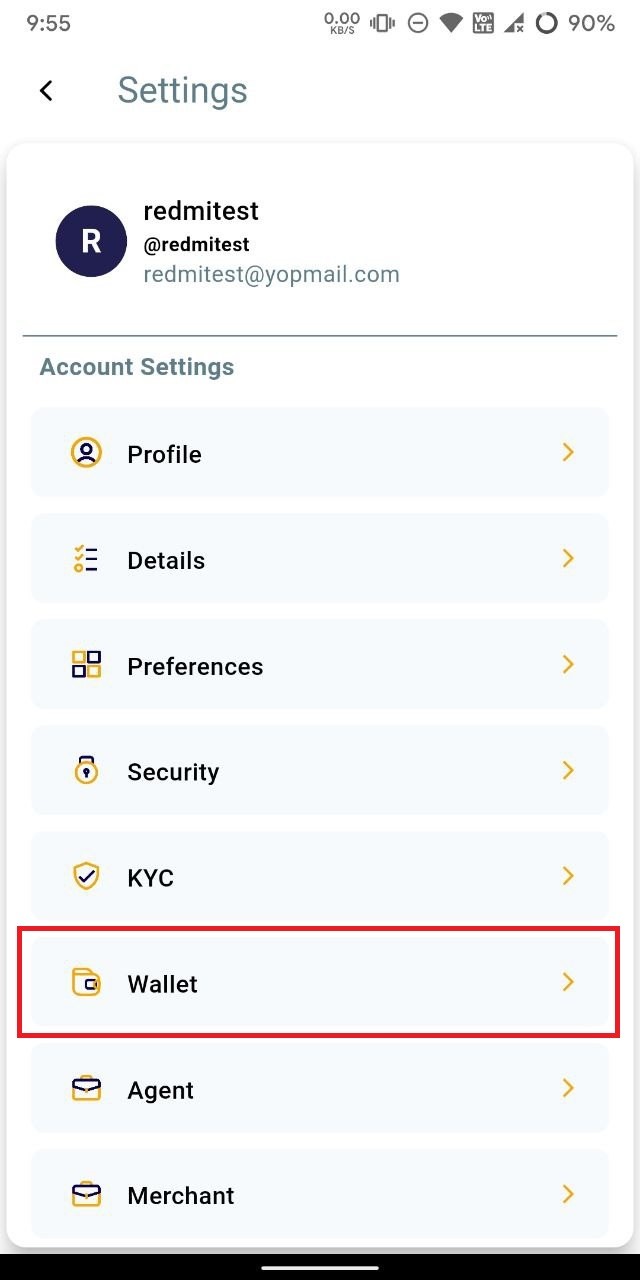
Click on the
wallet"Wallet" option to access and manage the wallets.
-
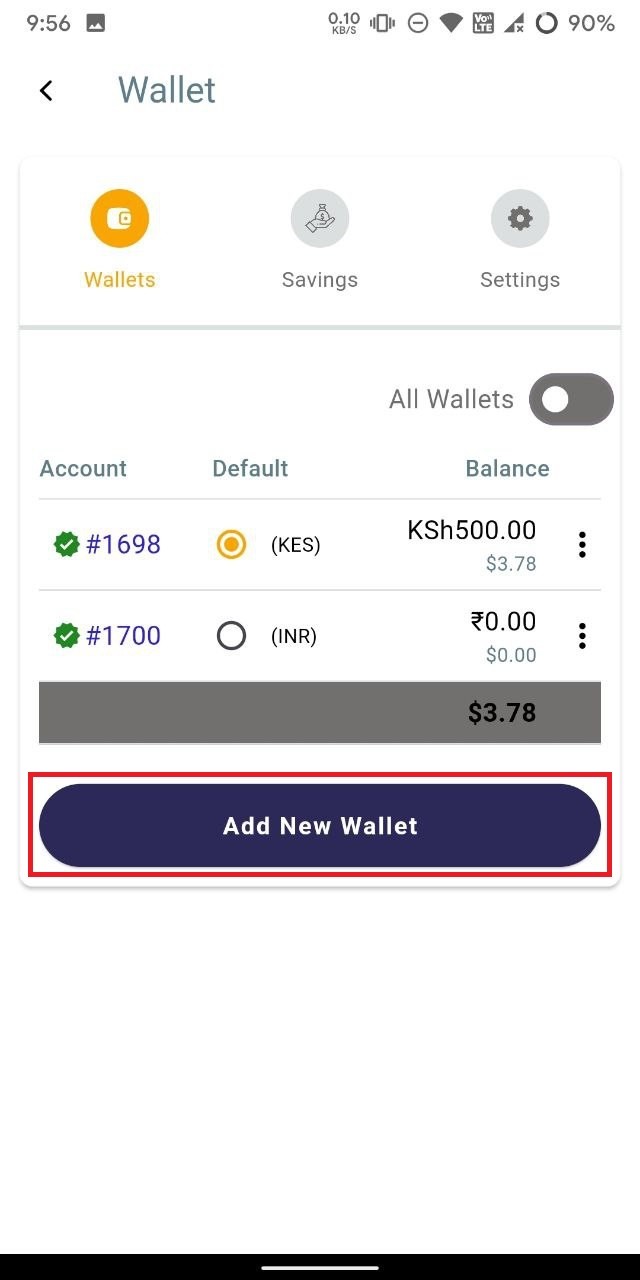
To add a new
walletwallet, click on the "Add NewWallet.Wallet" button.
-
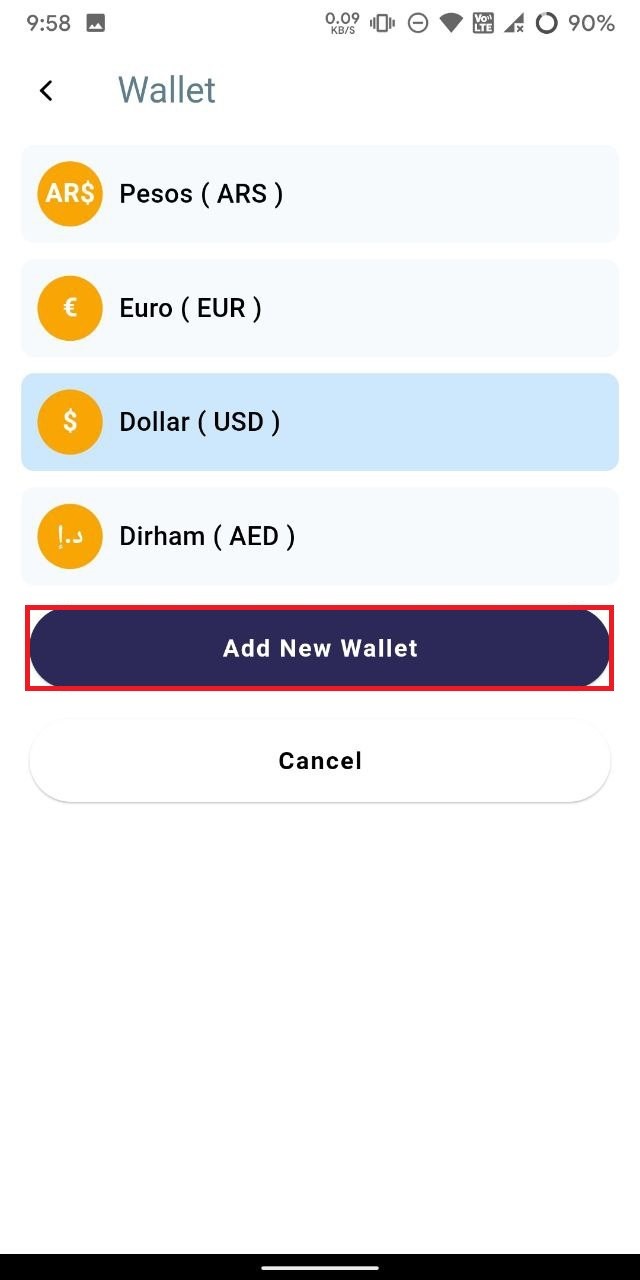
Select the currency for
which you want to addthewalletnewofwallet,andthen click onadd"AddnewNewwalletWallet" toaddcreate the wallet for the selected currency. Alternatively, you can select "Cancel" to discard adding a new wallet.
-
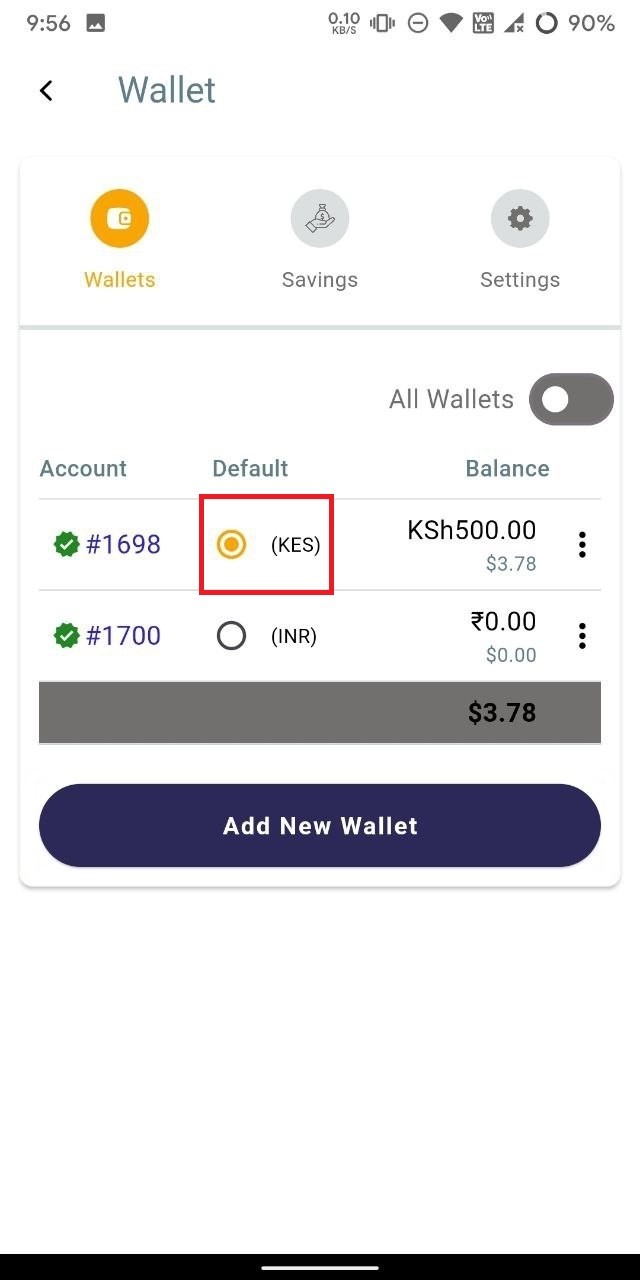
To
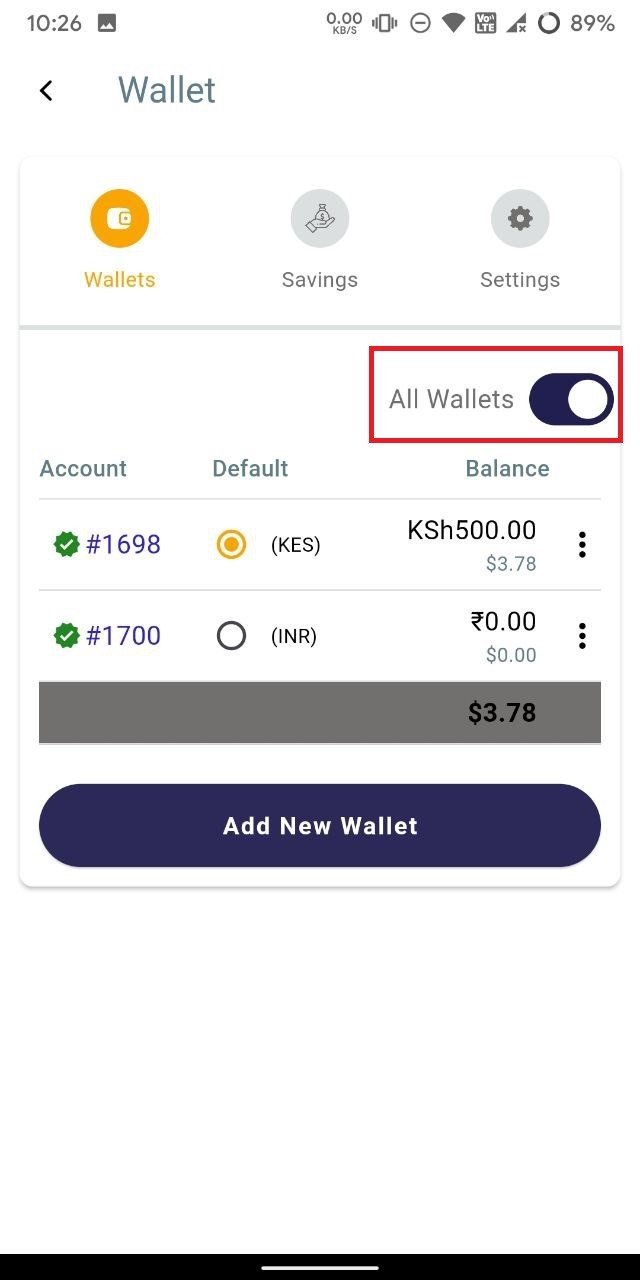
markset any wallet asdefaultthe default, simply click on the radio buttoninnextfront ofto that wallet tomakedesignate itas defaultfor your transaction activities.
-
To view all wallets, toggle the "All Wallets" button to the "on" position to display all available wallets.